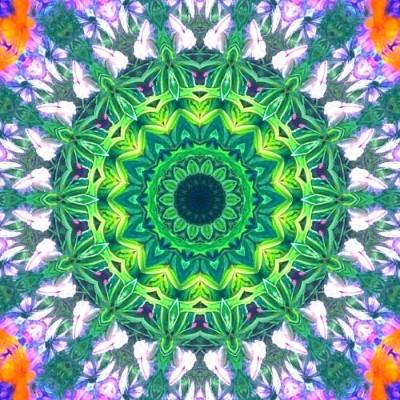
Green floral mandala
A strong center surrounded by leaf-like shapes. Try a circular form and move the crop across a contrasting edge.
Learn to make photo mandalasIdeas for your next pattern
See how mirrored photos become radial designs and repeating tiles. Browse the patterns, then use your own photo to explore a new crop, form or color combination.
Create your own patternThese are image references from the existing gallery. Exact editor settings are not included; opening the generator does not load a pictured design.
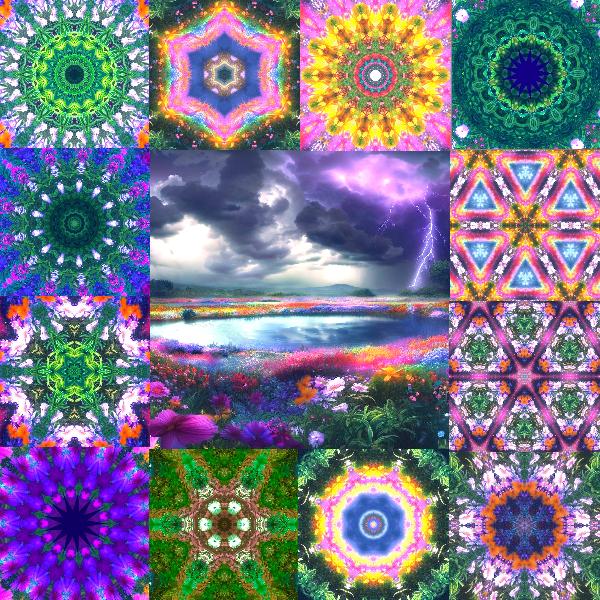
Explore designs with a clear center. The crop, form and repeated details all affect how the rings and outer edges look.
A strong center surrounded by leaf-like shapes. Try a circular form and move the crop across a contrasting edge.
Learn to make photo mandalas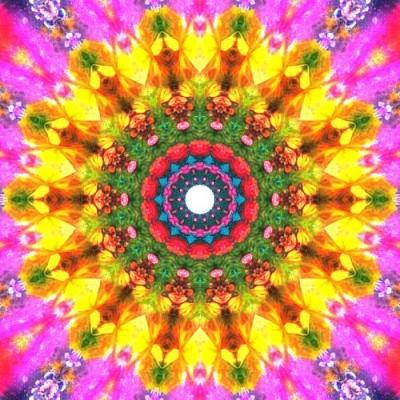
Bright colors and distinct rings draw attention toward the middle. Compare different crops before increasing saturation.
Explore crop and symmetry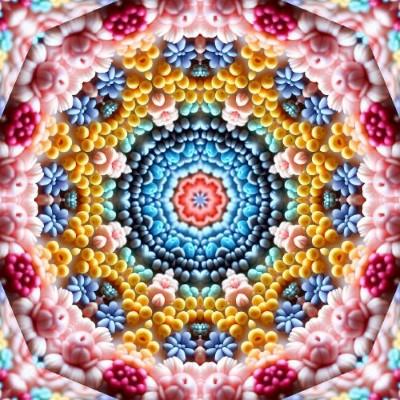
Repeated details form bands around the center. A source photo with texture gives you different details to explore.
Create a radial photo patternCompare a repeating arrangement with centered designs. These square examples illustrate patterns; export a new image at your phone or desktop dimensions for a wallpaper.
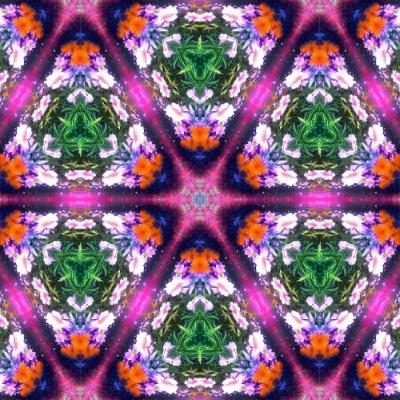
This tiled arrangement spreads the pattern across the image. For a screen background, set the final aspect ratio before refining the crop.
Make a wallpaper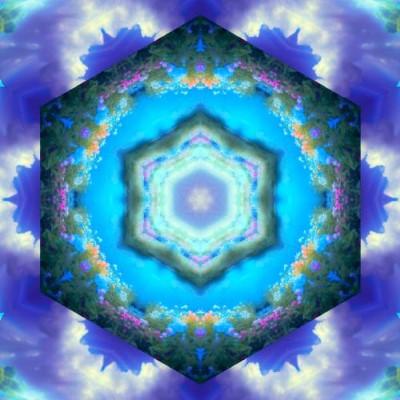
Broad areas of blue create a different rhythm from small repeated details. Check where the focal point sits behind your icons.
Choose a background size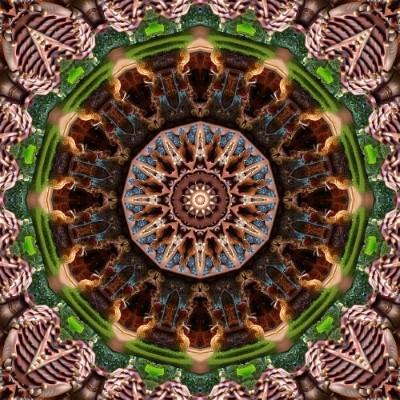
Fine texture can become busy behind text. Compare a larger crop and lower saturation when adapting a detailed pattern for a wallpaper.
Read the wallpaper tipsSmall changes in rotation, crop or color can become a sequence of GIF frames. The editor builds an animation from recent editing-history states. A repeating GIF may still have a visible jump between its last and first frames.
See the existing animation and learn how to choose frame count and playback delay.
Play the example and learn to make a GIFChoose a photo with details you want to repeat. Flowers, water, clouds and fabric provide different textures; a sharp contrast can create a clearer border in the pattern.
Try a circular or tiled form first, then move the crop. Compare several positions before changing rotation, sector count or filters. Use Undo and Redo to compare recent results.
Download an image when you like the result. Use Add Design to keep an editable version in this browser; a downloaded JPG or PNG does not contain the editor settings.
Choose phone or desktop dimensions and export a wallpaper.
Follow the wallpaper guide